Create your login
Choose Create account in the portal, then continue with email and password or Google.
Workspace setup
One workspace for expert agents, business context, tools, and human approvals—deployed on your terms.
Registration opens in the secure AAA AI portal.
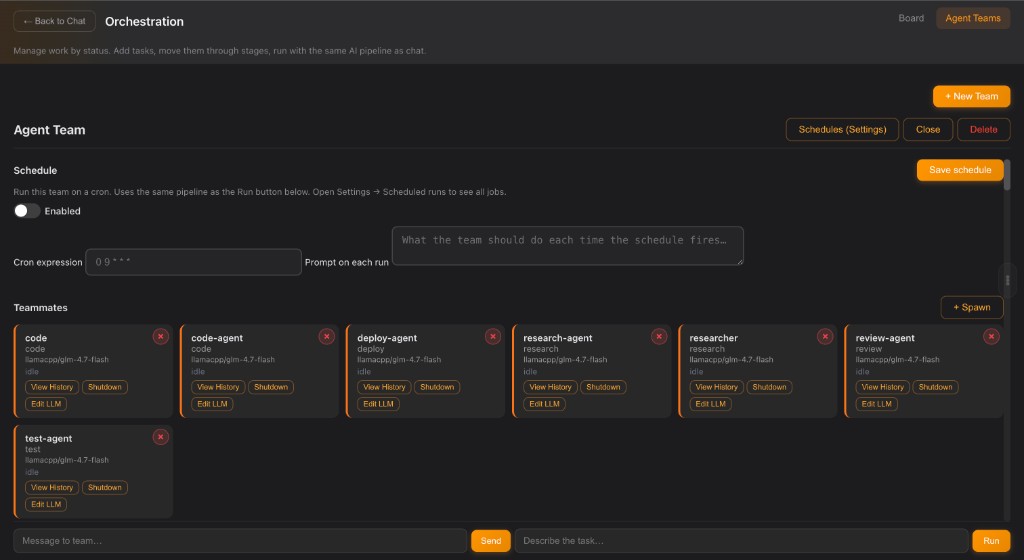
Three steps
Start small, keep control, and expand when the first workflow is delivering value.
Choose Create account in the portal, then continue with email and password or Google.
Begin in the cloud, connect local models such as Ollama, or use both in one workflow.
Add expert roles, connect context and tools, then decide where human approval belongs.
Deployment
Your workspace is not tied to one model provider or one operating environment.
Fastest start
Open the portal and begin immediately with managed infrastructure and your preferred cloud models.
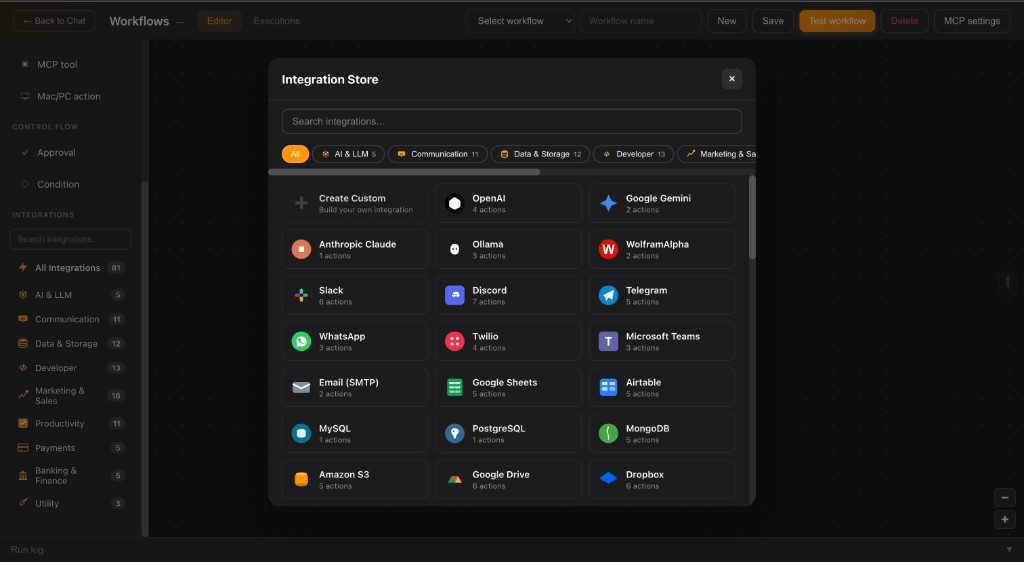
Flexible control
Route each task to the right local or cloud model while your workflow stays consistent.
Maximum ownership
Connect Ollama or your own infrastructure and keep sensitive work close to the systems you control.
Built for ownership
AAA AI keeps orchestration separate from model choice, so your team can evolve the stack without losing the context and processes it has built.
Ready when you are
Registration takes place in the AAA AI portal. Team onboarding and enterprise setup are available directly.